
Independent Project
Many UX/UI designers put accessibility on the back burner while designing. This results in the creation of barriers for people with disabilities. There is also a lack of resources for designers to use to ensure accessibility in their designs. Any resources that address this issue lack actionable steps for designers to follow.
Access Matters is a digital checklist that helps UX/UI designers build accessible experiences from the start. It simplifies complex standards into clear, actionable steps focused on cognitive and visual accessibility, making inclusive design faster, more practical, and part of the everyday workflow.
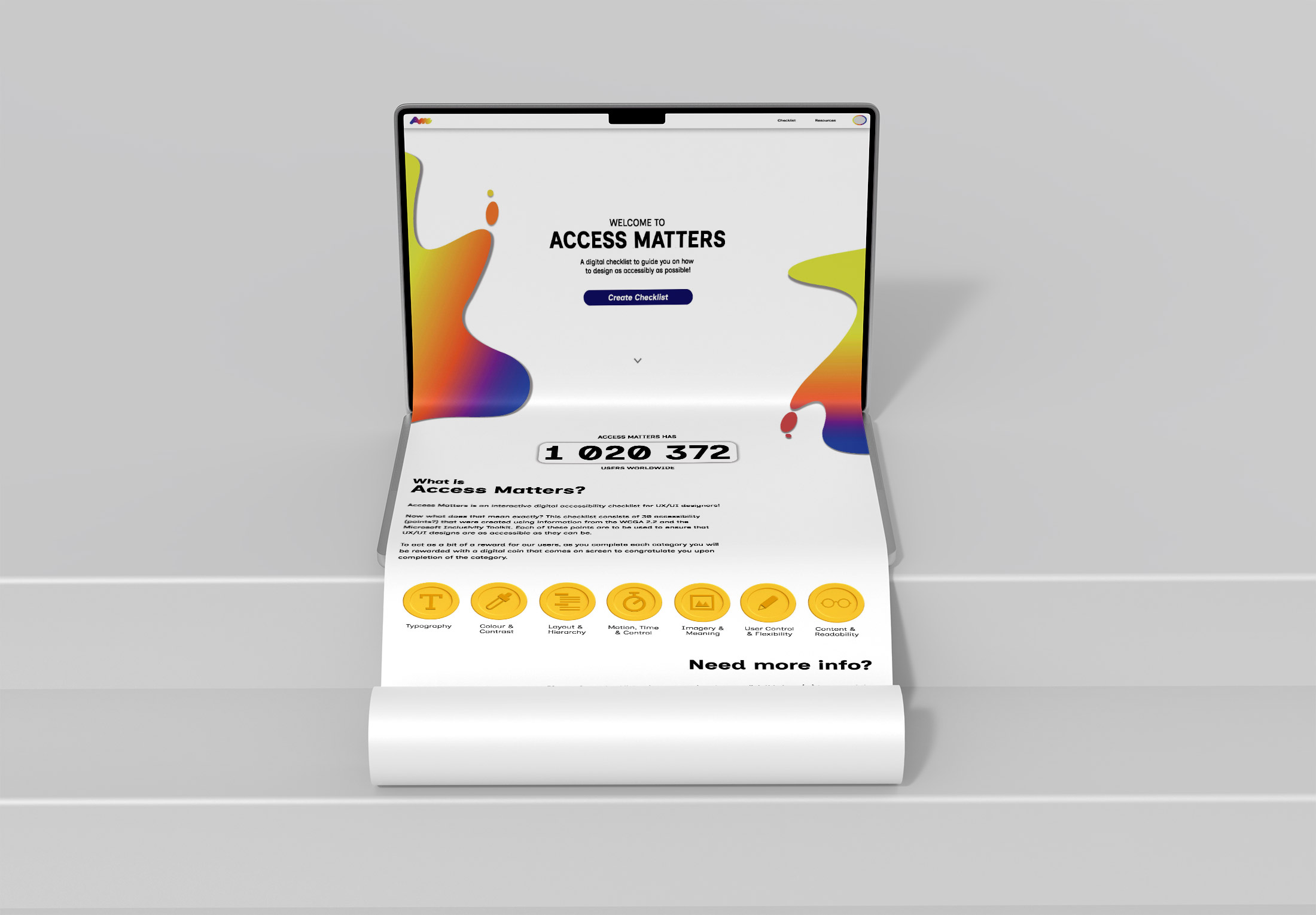
This is the landing page! Here we have a CTA to create a checklist, as well as a description of what Access Matters is and a current user count.
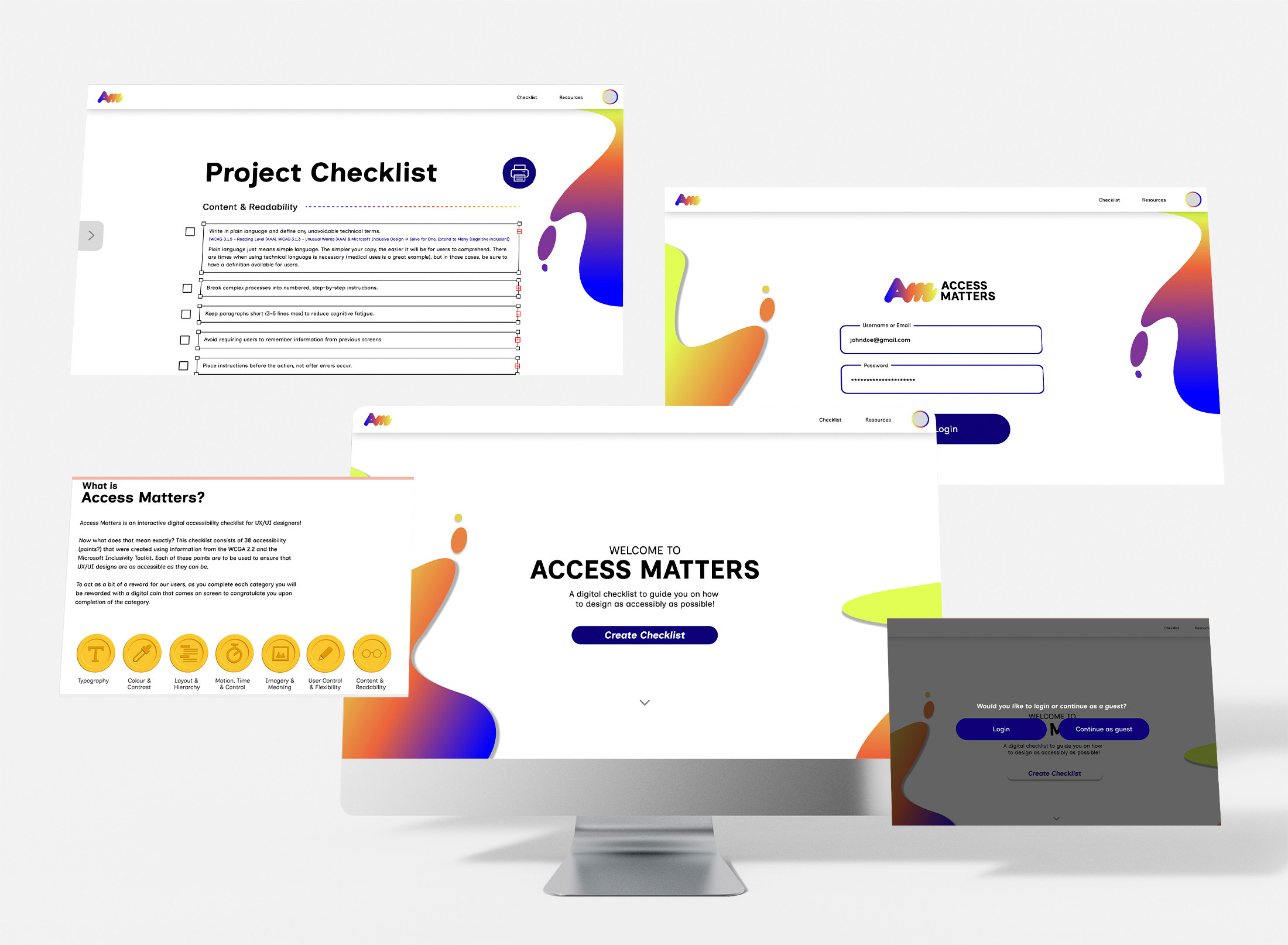
Depiction of the first screens that a user would see upon entering the site.
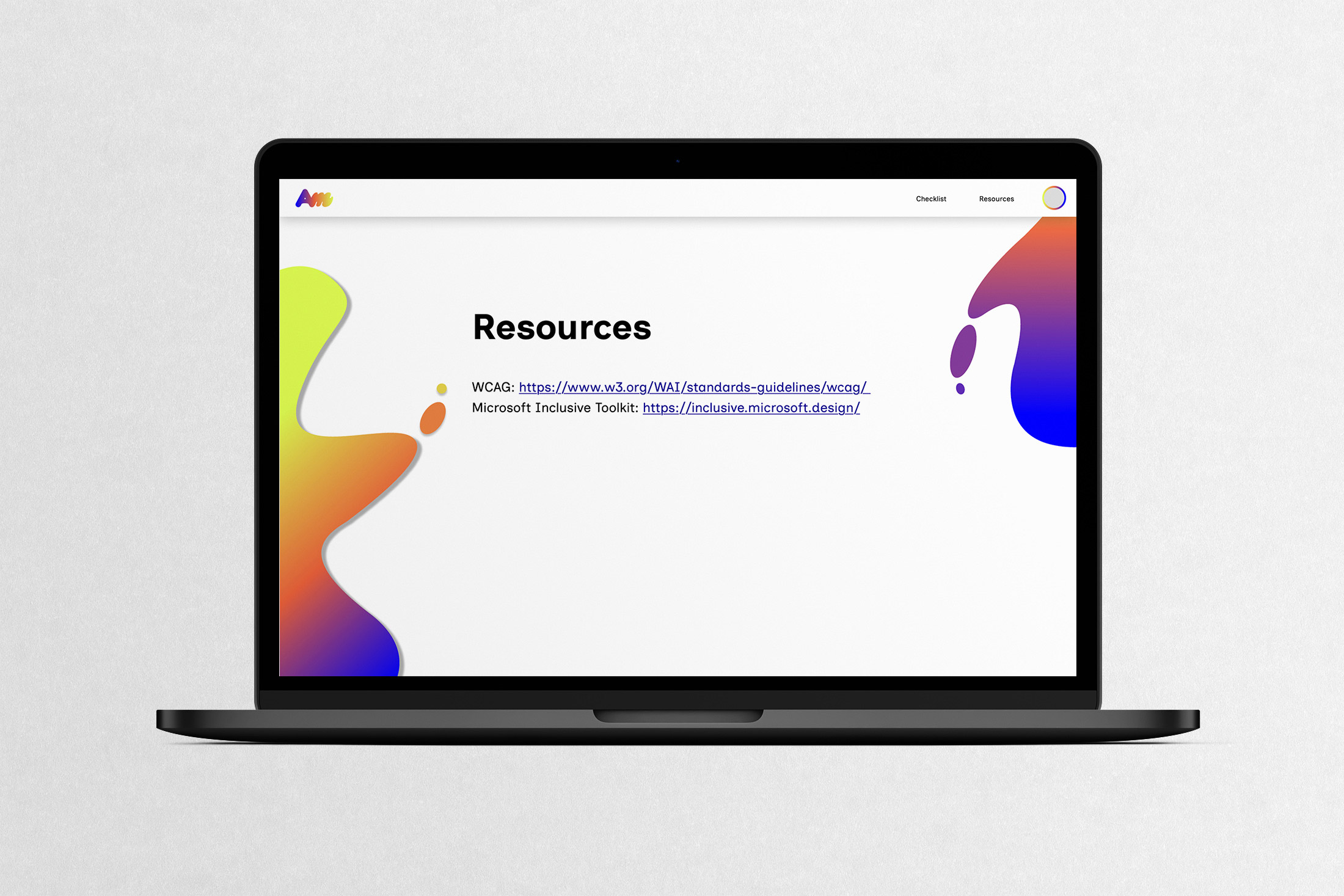
Depiction of the resources page. This was put in place to allow users to directly access the resources I used to formulate all 30 of the checklist points incase they need further information!
This is the entire checklist page! There is a print button for users who prefer a printed version. The checklist consists of 30 points that are split into 7 categories: Content and Readability, Typography, Colour & Contrast, Layout & Hierarchy, Motion, Time & Control, Imagery & Meaning, and User Control & Flexibility.
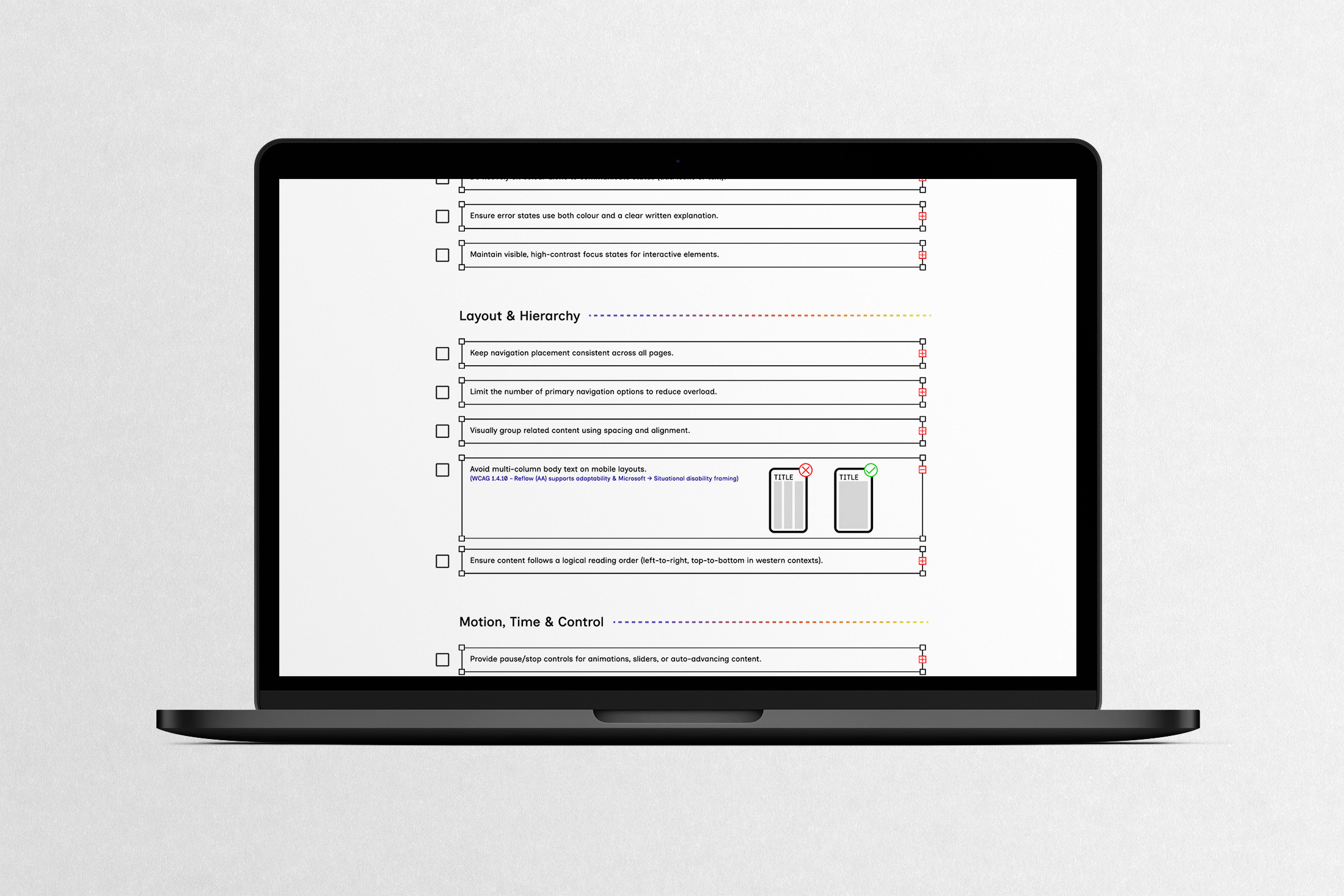
Here is a more up-close look of part of the checklist. To ensure that points are as easy as possible for users to understand, there will be links to the WCAG and Microsoft Inclusive Design Toolkit points that were used as reference when creating each point. There will also be one or both of the following: a paragraph expanding on the checklist point for clarification and/or a graphic to help visualize!